
What is an Instagram engagement rate?
An Instagram engagement rate is the share of your audience that interacts with a typical post. It matters more than follower count for brand deals, because it shows whether people respond to what you post.
Average your last 6 to 12 posts rather than one. A single viral or quiet post skews the number.
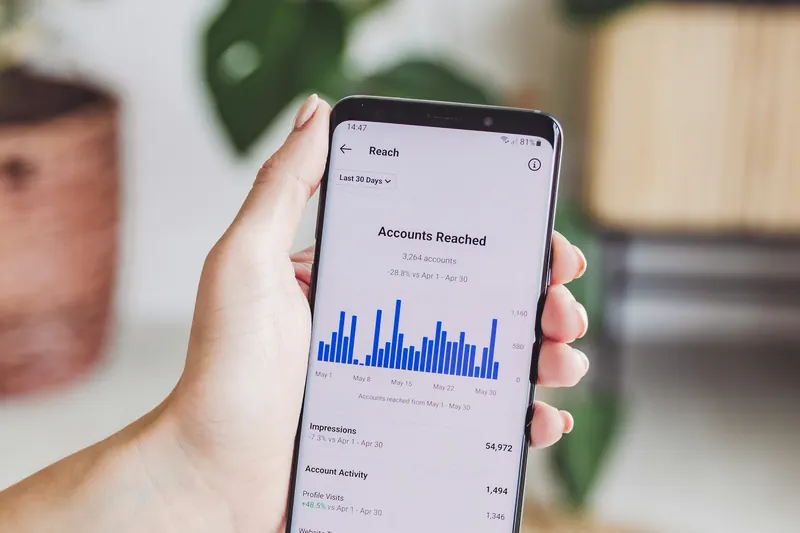
How to calculate engagement rate on Instagram
To calculate engagement rate on Instagram, divide likes plus comments by followers and multiply by 100:
- Add the likes and comments on each of your last 6–12 posts.
- Divide the total by the number of posts to get the average.
- Divide that average by your follower count.
- Multiply by 100.
Worked example: an account with 12,400 followers averaging 540 likes and 28 comments has an engagement rate of (540 + 28) ÷ 12,400 × 100 = 4.58%.
Which engagement rate formula should you use?
Three formulas answer different questions. Pick the one that matches the data you have:
| Formula | Calculation | Best for |
|---|---|---|
| By followers | (likes + comments) ÷ followers × 100 | Comparing accounts; what brands quote |
| By reach | (likes + comments) ÷ reach × 100 | Judging posts that reach non-followers |
| By impressions | interactions ÷ impressions × 100 | The strictest view; needs your own Insights |
Use the by-reach result when most of your recent posts are Reels shown to people who don't follow you; the by-followers rate inflates in that case.
What is a good engagement rate on Instagram?
It depends on account size and account type. Creator accounts and brand accounts sit on very different scales.
For creator accounts
Grow Mate's working benchmarks: 4–8% for nano accounts (1k–10k followers), 2.5–5% for micro (10k–50k), 1.8–3.5% for mid-size (50k–250k), and lower above that. Smaller audiences engage at higher rates.
For brand accounts
Brand benchmarks run far lower. Rival IQ's 2026 benchmark puts the median brand account at about 0.30% engagement by followers, and Socialinsider measured an average of about 0.45% in Q2 2026. A brand account at 1% is performing well.
A strong rate raises what brands will pay a creator — estimate it with the Instagram money calculator.
Instagram engagement rate by format
Carousels earned the highest engagement by followers in Socialinsider's Q2 2026 benchmarks:
| Format | Average engagement by followers |
|---|---|
| Carousel | 0.50% |
| Reel | 0.48% |
| Image post | 0.33% |
Build carousels faster with the Instagram carousel maker.
How to improve a low engagement rate
To improve a low engagement rate, raise the share of viewers who stop, watch and respond:
- Put a hook in the first line of the caption and the first second of a Reel. The Instagram Reels hook generator writes hook-first Reel ideas.
- Reply to comments in the first hour after posting.
- Post when your audience is online, using your own Insights.
- Post more carousels, which average the highest engagement per follower.
- Narrow your topic so followers share one interest.
- Stop buying followers or joining engagement pods.
Why your engagement rate might be misleading
- Small sample — two or three posts swing the average.
- One viral post — lifts the average while typical posts stay flat.
- Inactive or bought followers — inflate the follower count and drag the rate down.
- Reels reach — inflates the by-followers rate; use by reach instead.
Frequently asked questions
Is a 6% engagement rate good?
Yes. For accounts over 50k followers, 6% is exceptional; for nano accounts (1k–10k) it's solid but not unusual. For a brand account, 6% is far above typical.
Should I include saves and shares?
Include them if you can see them in your own Insights; they give a fuller picture. Public calculators use likes and comments because those are visible from outside.
Why did my engagement rate suddenly drop?
The usual causes are a burst of new followers who haven't engaged yet, Reels reaching non-followers, a format your audience likes less, or a break in posting.
Do Reels count toward engagement rate?
Yes, but they distort the by-followers formula because Reels reach people who don't follow you. Use the by-reach rate for Reels.